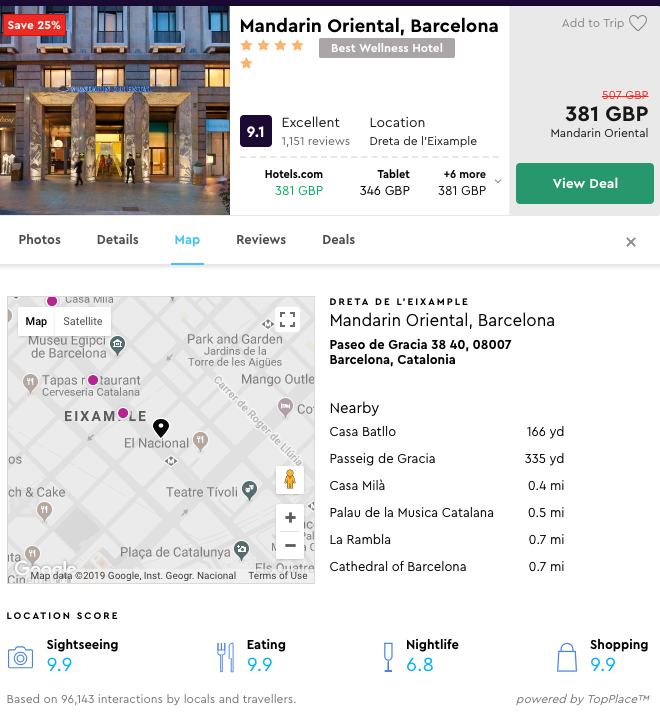
TopPlace™ offers a number of unique, tested Plug & Play templates that are easy to integrate into any site.
Choosing the right template for what you need can be a difficult decision. Each template available has been designed based on AVUXI's experience to ensure the best possible results.
Hotel/ Property Details Page
The most popular place to have a TopPlace Plug & Play template is the property display page. This page outlines the many specific details of a property, including different pricing options, amenity details and local area information.
The leading recommendation for this page is the Location Page. It is the fastest to integrate as well as offers a wide variety of information. The Location Page also includes a Leaflet OSM basemap hosted by AVUXI.
Below is an example of the Location Page on Kayak's hotel detail page.
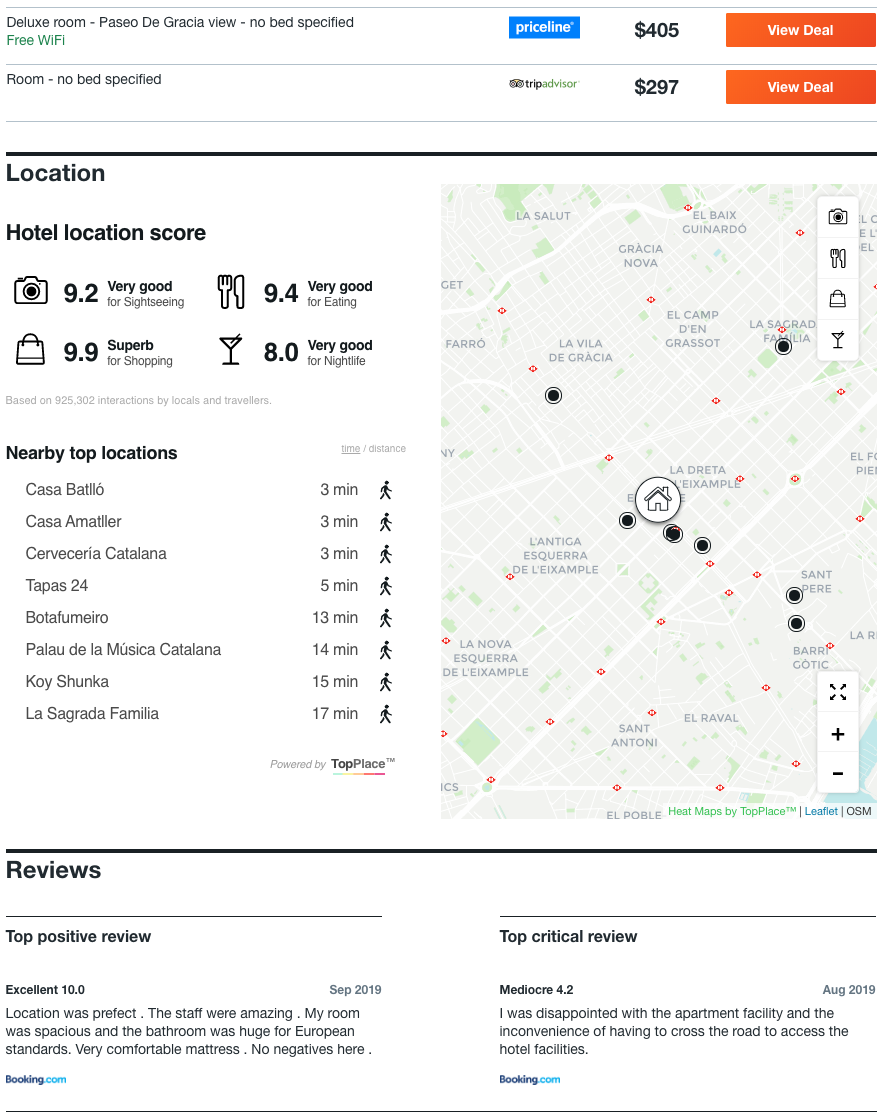 This specific template is available from the Location Page selector.
If you don't want to use the Location Page, it is possible to use a Location Score Element as well as a Heat Map on the page. This will provide more design flexibility, but each element must be integrated separately. Each element typically requires 30-60min to integrate plus testing time.
Search Page
The property search page has the challenge of displaying many different properties on a single map.
The most popular TopPlace product for the search map is the TopPlace™ Heat Map map layer.
Below is an example of the TopPlace™ Heat Map on Kayak search map. 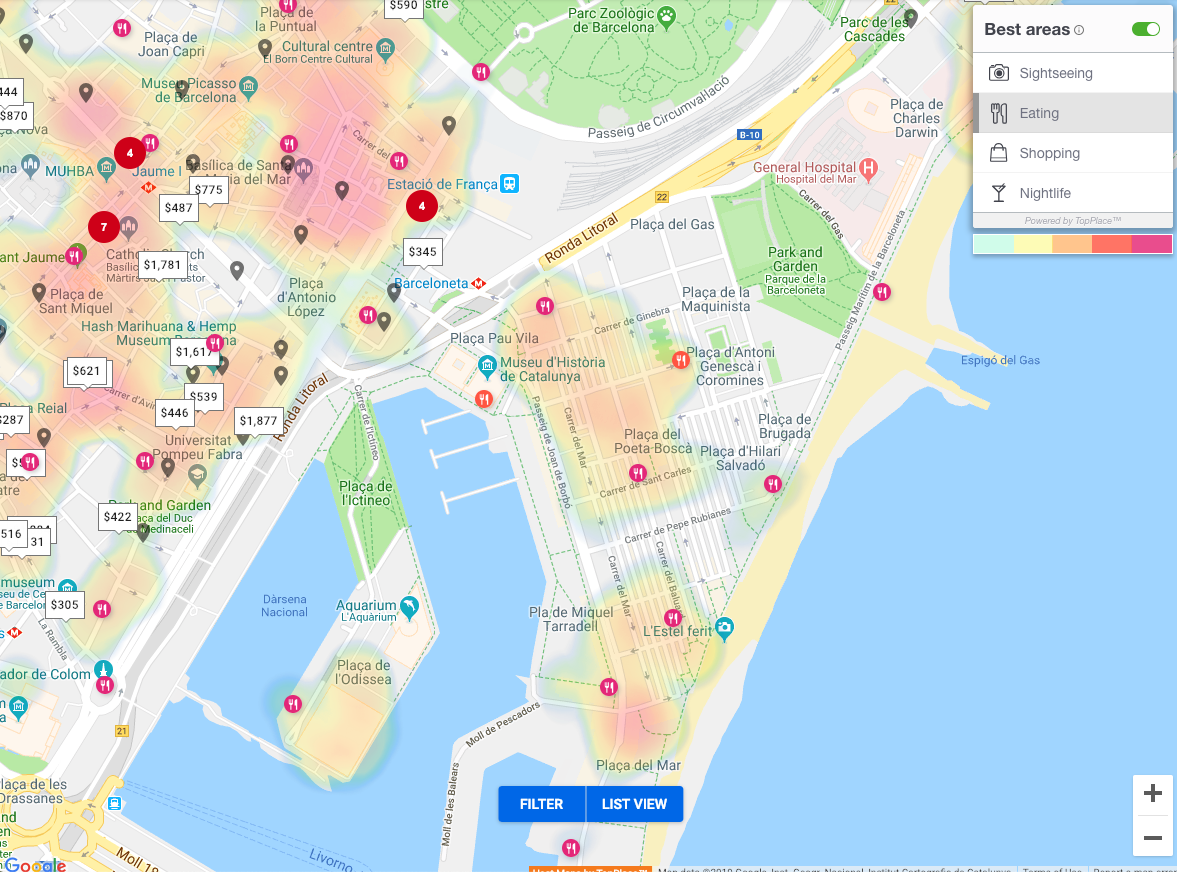
Property Details Slide Out
One format popular with our clients is the hotel details is the slide-out.
The optimal place within the slide-out is within its own section. Placing a map in addition to the TopPlace™ templates will help provide context.
The two top products for this area are the Location Page and the Location Score Elements.
Below is an example from Momondo.