
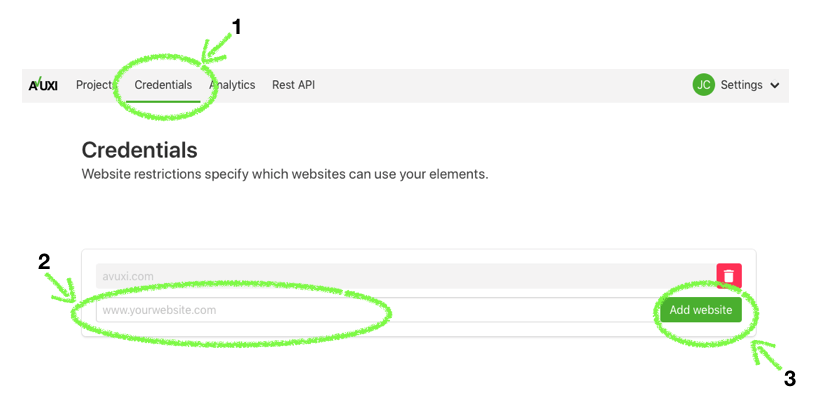
You can manually configure your domain and subdomains from the Domains section of Web Dashboard:
- Click on "Domains"
- Type your main domain. Use “*.domain.com” to configure all subdomains (if applicable)
- Click on "Add"
If you are willing to test a TopPlace™ HeatMap, please note that your website has to have a map already embedded.
You can add as many domains and subdomains as you wish.